
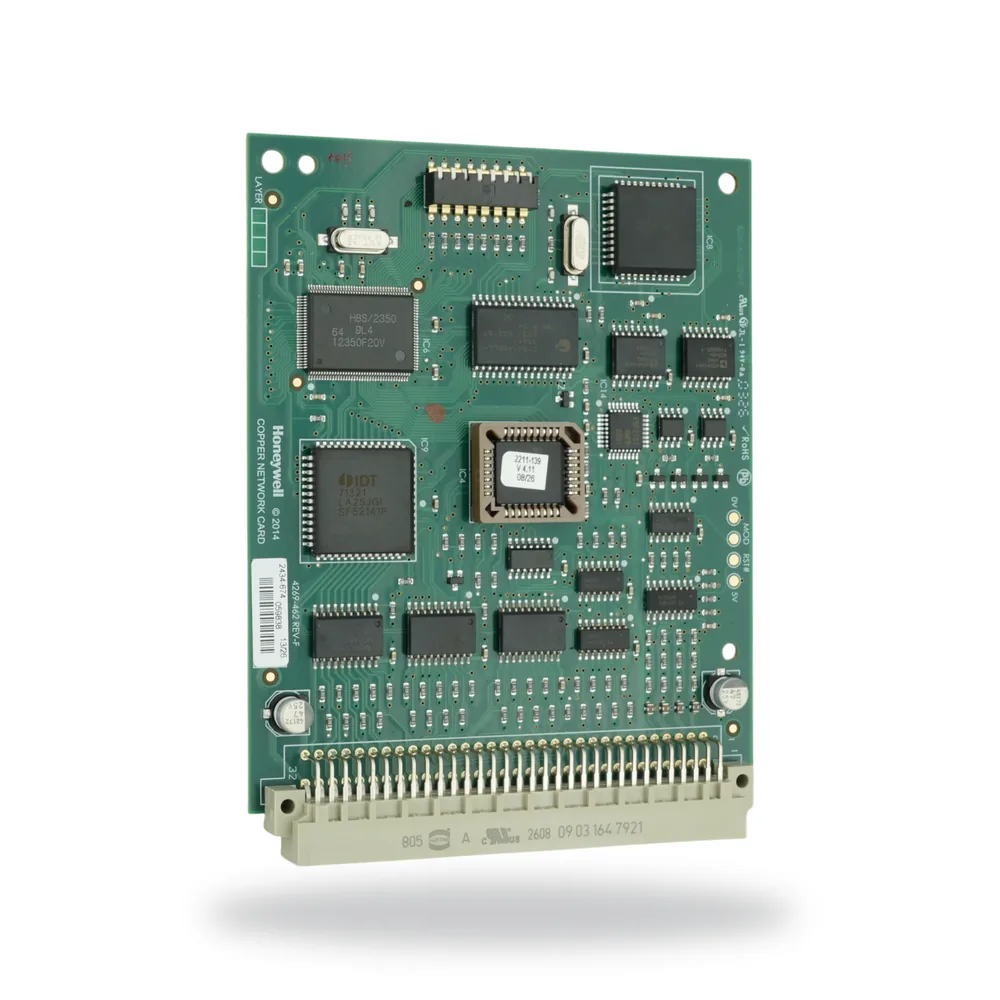
The VIG-NC is the copper network card that carries data between control panels and network nodes on a networked Vigilon fire system. It plugs into a dedicated slot on the panel or node backplane, and its external cabling lands on the backplane's own terminal block.
Node address and baud rate are set with the dual-in-line switches on the card itself — there is no panel programming involved in setting them. The card ships factory-set to 38.4K baud at node address 4.
One copper network card supports a secure network loop of up to 31 control panels and network nodes, with up to 1.2 km of cable between adjacent panels or nodes depending on the cable type used.
Before you order: where this card is plugged into a control panel or network node, that panel or node needs Local Controller software at version 4.00 or later. Worth checking against site records on a retrofit.
Technical data
| Overall size | 128 mm × 100 mm |
| Node address range | 1 to 31 |
| Baud rates | 2400 · 9600 · 19.2K · 38.4K |
| Operating voltage | ±5 V (RS485) |
| Terminations | Terminal block P10 (card in backplane slot P8) |
| Cable | Belden 9729 or equivalent |
| Weight | 72 g approx. |
| Operating temperature | 0 °C to 45 °C |
| Storage temperature | −10 °C to 55 °C |
| Relative humidity | up to 90%, non-condensing |
| Factory setting | 38.4K baud, node address 4 |
Specifications from 4188-832 issue 2.
Compatibility
Fits the current Vigilon Plus panels — VIGPLUS-24 and VIGPLUS-72 — subject to the Local Controller software version above. To bring a Vigilon Compact panel onto the same network you need the Compact's own card, COMPACT-NC, rather than this one.
If you're cross-referencing the printed manual: 4188-832 still lists the superseded VIG1–VIG4 and VIG-NODE part numbers. Those are the older generation; the card itself is current.
Installation
The card is plugged into slot P8 (card 6) on the backplane of the panel or node, and the incoming and outgoing network cables are terminated at block P10 on that same backplane, with the cable screen earthed as shown in the manual's wiring diagram. Address and baud rate are then set on switch SW1 before the panel is closed up.
Full details: Copper Network Card (EN) VIG-NC — installation instructions — 4188-832 issue 2 · 2 pages · wiring diagram, backplane card map and the complete address and baud-rate switch tables.
Need VIG-NC priced?
Quote response within 4 business hours (Mon–Fri 8:30–5:00). Same-day on stock items.