
Guide
Gent replacement parts: what to send with an enquiry
The part number, panel details and photographs that help us check a replacement enquiry.
Midland Fire Direct
The part number, panel details and photographs that help us check a replacement enquiry.
Midland Fire Direct
Start with the complete part number, a photograph of the panel and a short note explaining what needs replacing. If you have the service record, include the main controller and loop-card versions.
That gives us something useful to work from even if the label is worn or you are unsure which part to request.
Use existing service records or ask the maintaining engineer for anything that needs the panel opened or a device removed. If a detail is missing, send what you have and say which information is unavailable.
Gent's device requirements vary by main-controller and loop-card version. A newer part number does not establish compatibility on its own.
For example, high-power visual alarm devices can behave differently on older loop cards. A replacement enquiry needs to account for the visual warning the device must provide, as well as whether it is recognised by the panel.
A Vigilon control-card enquiry needs the panel generation too: the manufacturer's upgrade chart pairs firmware chips with particular displays and doors. An engineer's existing photographs of the inner door and board labels are useful here.
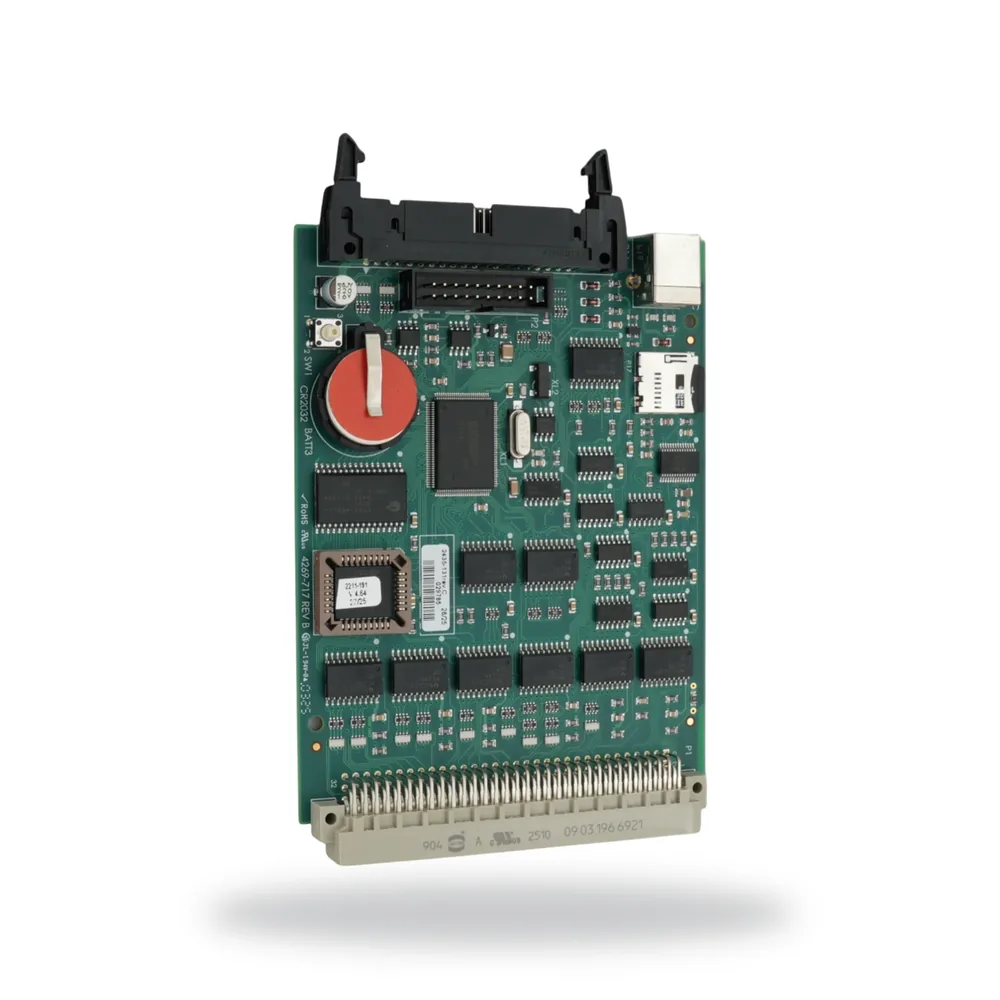
VIGPLUS-MCC
Main controller card
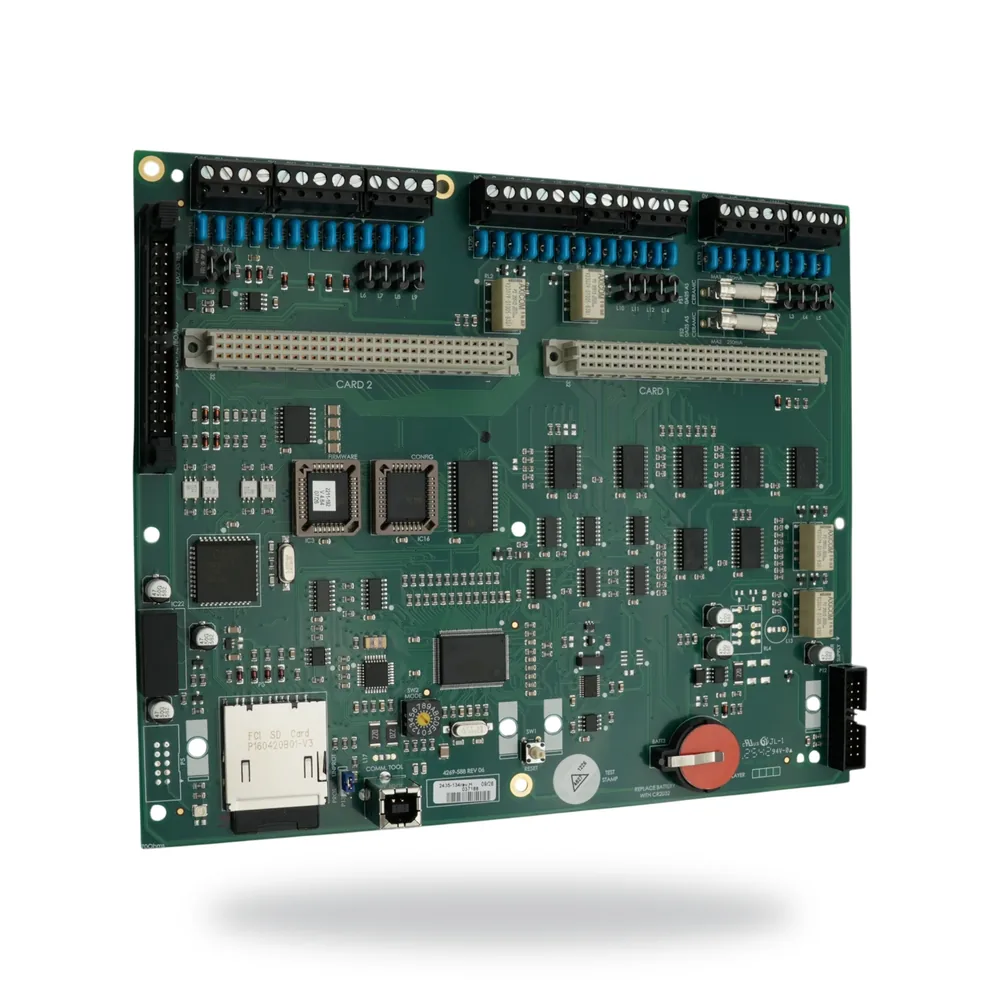
VCS-MCB-PLUS
Main control board for Compact Plus
Mention any repeat panels, mimics, networked panels and interfaces. Their compatibility needs its own check; a replacement at the main panel can affect equipment elsewhere on the system.
For an SMS SenTRI system, give the model exactly as it appears on the panel. SenTRI 1, 2 and 4 should not be treated as one replacement case.
Use Request a quote to send the part number and available system details. Include the quantity required and say whether you need a device replacement, a control-card replacement or help identifying the equipment.
For background on the panel families, read our Gent fire alarm systems guide.
The door and display compatibility chart is in Gent's Main Control Card Upgrade leaflet, 4188-1108. For Compact control-board identification and configuration details, see the VCS-MCB-PLUS replacement-board leaflet, 4188-1109.